promotion 5 min read
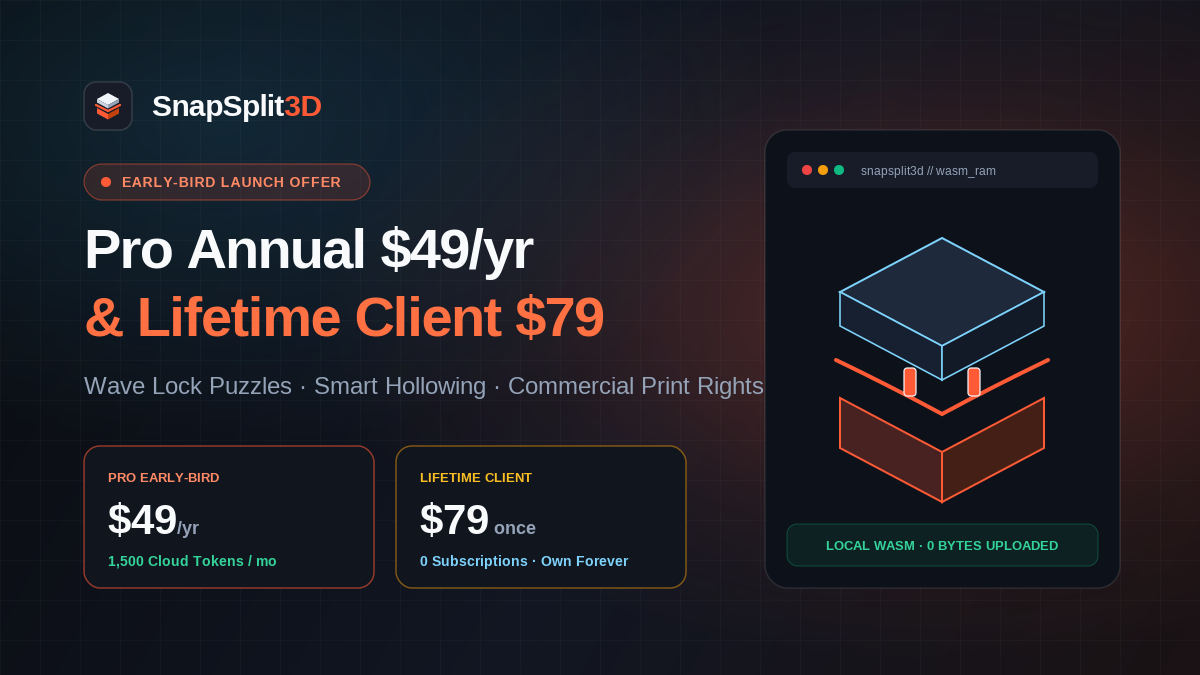
SnapSplit3D offers four transparent plans: Free ($0/mo) with Plane Cut, Tapered Pegs, and +50 welcome tokens; Starter ($5/mo) personal; Early-Bird Pro ($49/yr) with 1,500 monthly Cloud Tokens; and Lifetime Client ($79 one-time, $0/mo recurring). Pro and Lifetime include Commercial Print Rights* for owned or licensed models, with instant Polar/SePay activation and 14-day refunds.
tutorial 7 min read
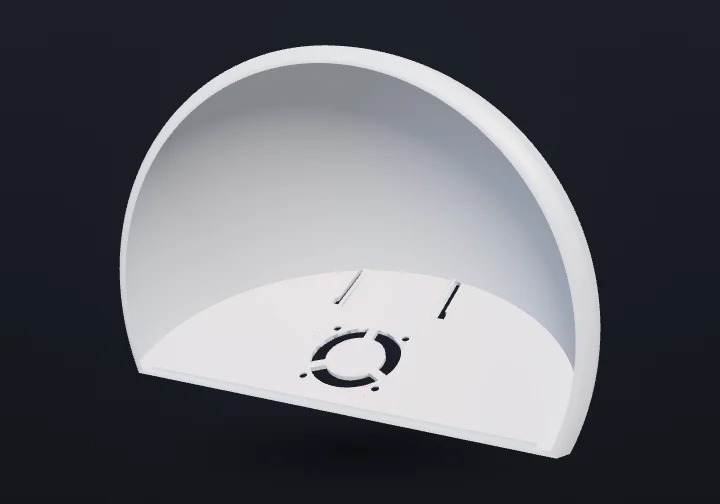
Exact 0.0 mm CAD joints bind on real printers from first-layer squash and resin cure bleed. Using SnapSplit3D, start around 0.20–0.30 mm clearance for FDM (0.20 mm studio default) and 0.10–0.15 mm for MSLA resin across Tapered Pegs, Snap-Fit Sockets, Wave Lock puzzles, and 1.75 mm Double Hinges.
tutorial 6 min read
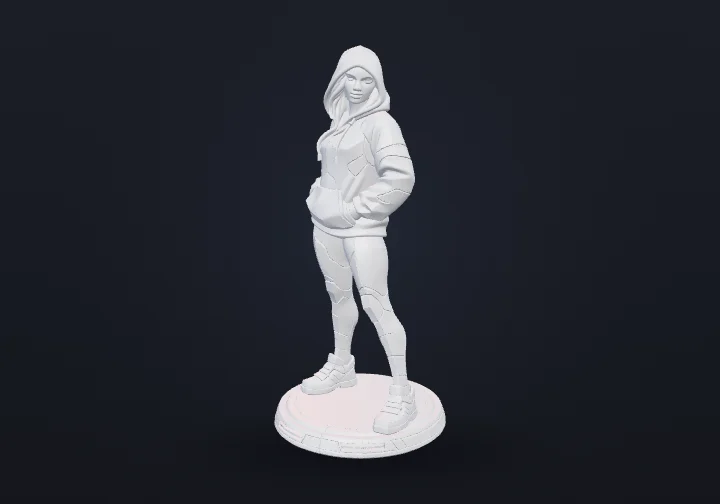
SnapSplit3D hollows whole resin statues in your browser before splitting using 0.1–50.0 mm walls (1.5–3.0 mm typical for statues), Open Bottom drainage, and live X/Y/Z Cutaway inspection. Checking internal walls first helps spot trapped resin pockets and thin pinches early before exporting Binary STL or ZIP parts to Chitubox or Lychee Slicer.
tutorial 7 min read
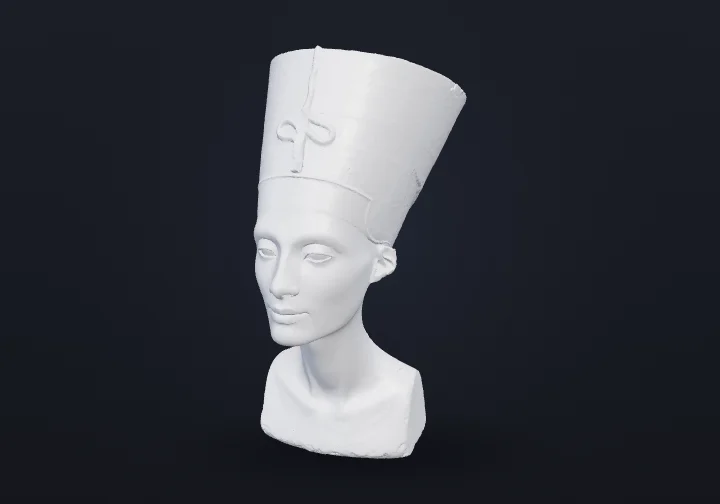
SnapSplit3D prepares STL, OBJ, and FBX files for 3D printing locally in your browser (0 Cloud Tokens) in four fixed steps: run Watertight Auto-Heal first, trim heavy meshes with Mesh Simplify (50% / 25% / 10%), orient the uncut model with Auto-Orient or Lay Flat, then hollow, split, and export Binary STLs.
release 6 min read
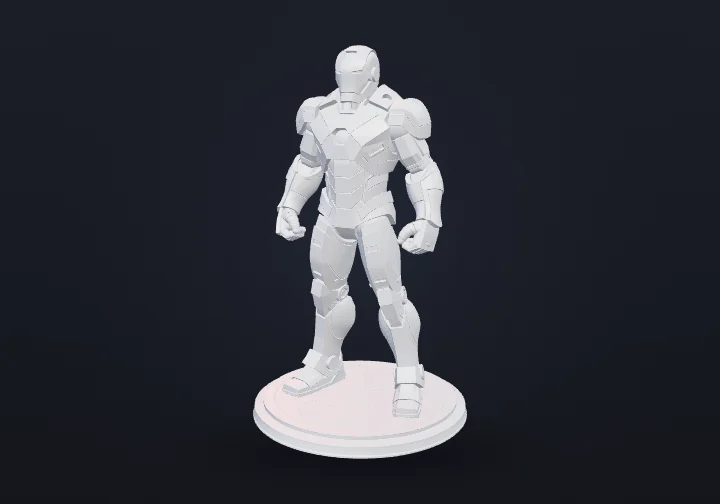
Stop flat armor glue seams from sliding out of plane. Wave Lock 3D Puzzle Split in SnapSplit3D divides wide cosplay chestplates, shields, and diorama bases into 4–36 interlocking pieces locally in your browser (0 Cloud Tokens), using 4–14 mm tabs and 0.0–0.5 mm clearance (0.20 mm default) to minimize Bondo and sanding.
tip 7 min read
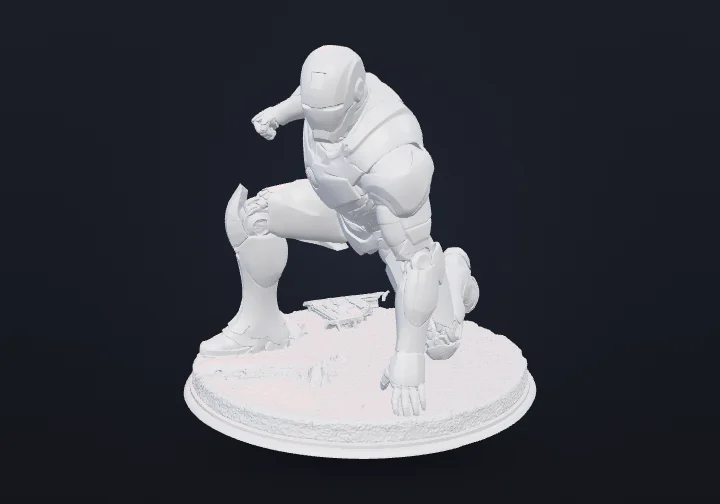
Split 1.2M–2.2M triangle cosplay helmets locally in your browser with SnapSplit3D without crashing legacy desktop tools. Fit Bambu Lab A1 mini (180 mm), X1C/P1S (256 mm), or Prusa MK4 plates using recessed Snap Loop seams, removable magnet visors (Starter $5/mo), and straps for load-bearing armor.
tip 6 min read
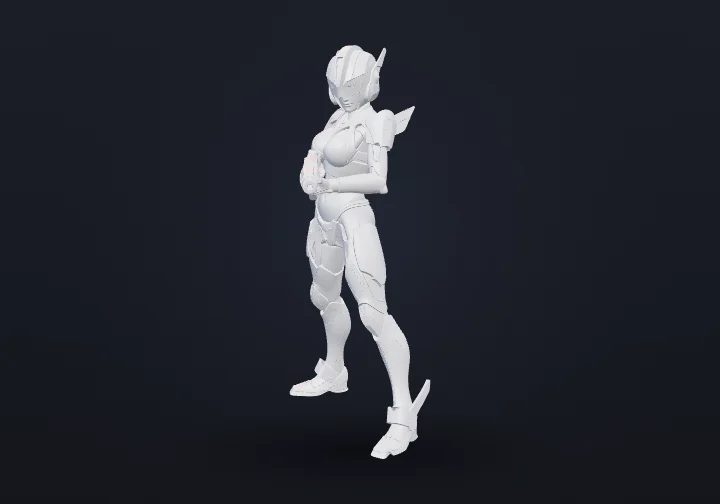
Replacing Autodesk Meshmixer in 2026, SnapSplit3D maps Plane Cut, Segment, Hollow, and automatic Peg workflows into one browser workspace—scaling across 350K mobile, 800K standard, and 2M high-end desktop display tiers, with optional Cloud acceleration for denser STL, OBJ, and FBX sculpts.
tip 7 min read
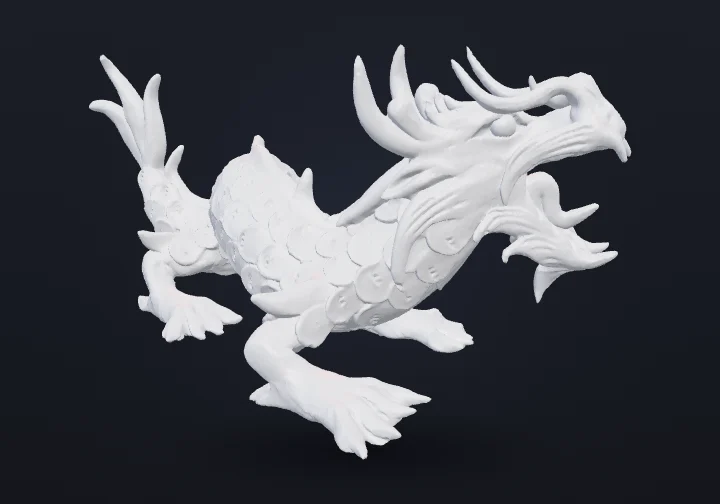
If you want build-plate grid splitting and interlocking jigsaw joints without desktop licensing friction, SnapSplit3D runs Grid Split, Smart Split, engraved P01 tags, and Wave Lock 3D Puzzle cuts directly in your browser. Test Plane Cut and Peg free locally ($0 / forever), or unlock Grid Split and 3D Puzzle on Pro ($9/mo, $49/yr EB, $69/yr) or $79 Lifetime Client.
tutorial 6 min read
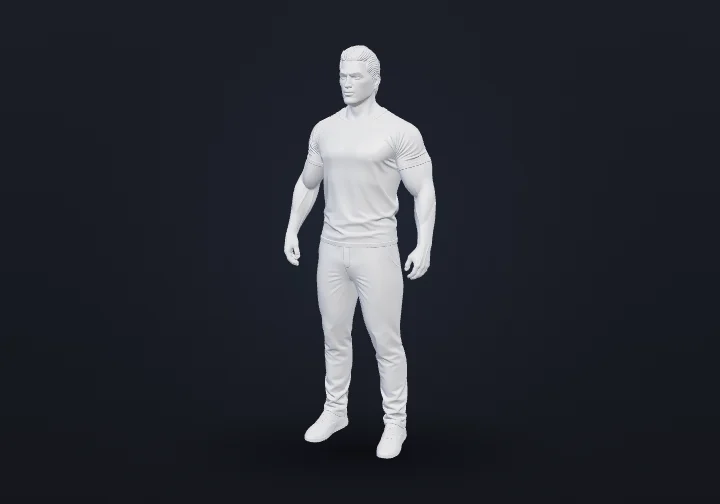
Bambu Studio and PrusaSlicer include reliable Cut tools (C key) for straight slices, plugs, and dowels—yet every slicer cut still slices along an infinite flat plane. SnapSplit3D goes further in your browser with Freehand, Snap Loop, 360° Loop, and Segment cuts so seams hug armor creases instead of crossing visors or fingers.
tutorial 6 min read
Ultimaker Cura includes no native alignment peg, dowel, or magnet pocket generator for oversized models. In SnapSplit3D, you set your Ender, Neptune, or Kobra build cage, slice with Plane Cut and auto-generated Peg connectors (0.20 mm starting FDM clearance), export a multi-part ZIP, unzip locally, and drop watertight STLs straight into Cura.
tutorial 7 min read
Single round dowels pivot while glue cures, twisting dragon wings and prop limbs out of position. In SnapSplit3D, pick Square Tapered Pegs or dual Manual Pins (0.20 mm default FDM clearance) to stop spin, Magnets (1–8 pockets) for removable covers, or Snap-Fit Sockets (Cut: Edge | Socket) for segmented limbs.
tutorial 6 min read
Small printed clip pins snap along weak Z-axis layer lines when action figures drop or cosplay props flex. Using Articulated Double Hinges with 1.75 mm filament pins in SnapSplit3D gives elbows and hinged visors smooth two-axis travel, 0.20–0.25 mm Gap clearance, and replaceable continuous-filament axles (Pro / Lifetime Client).
tutorial 6 min read
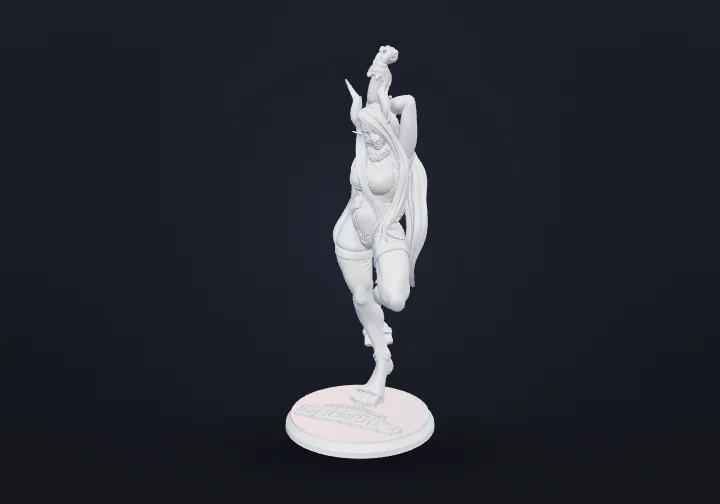
SnapSplit3D separates hair locks, capes, shoulder armor, and display bases along natural creases using AI Part Segmentation and Paint, Fill, Merge, and Smooth brushes. Splitting parts cleanly lets you hide supports on mating faces, prime and airbrush color groups separately, and key joints for clean assembly on Pro and Lifetime Client plans.
tip 5 min read
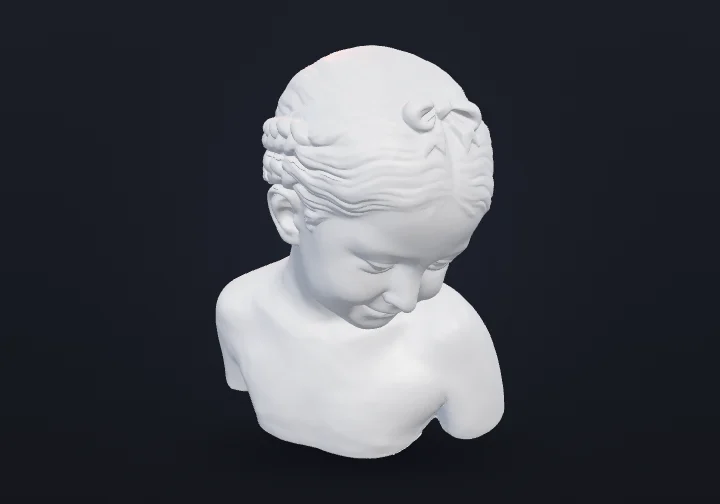
Hollowed resin statues in SnapSplit3D avoid delayed shelf cracking when you resolve internal mesh islands first, verify 1.5–3.0 mm walls across X, Y, and Z Cutaway slices, and pair Open Bottom drainage with thorough IPA flushing and interior UV curing before sealing ports.
tip 5 min read
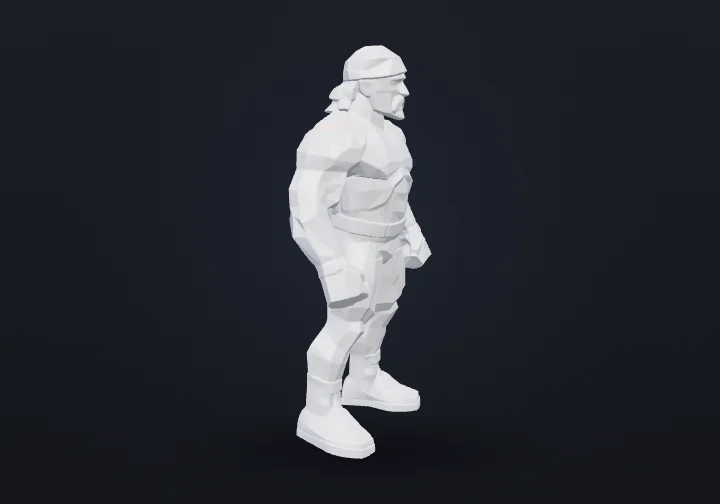
SnapSplit3D protects unreleased Patreon and MyMiniFactory sculpts by running unlocked local splitting, Smart Hollowing, and Local AI (Tiny mode) inside your browser at 0 KB server upload. Optional Cloud Boost (12–40 Tokens) runs only when explicitly clicked in transient memory with no AI training, no permanent archiving, and commercial exports on Pro and Lifetime Client plans.
tutorial 7 min read
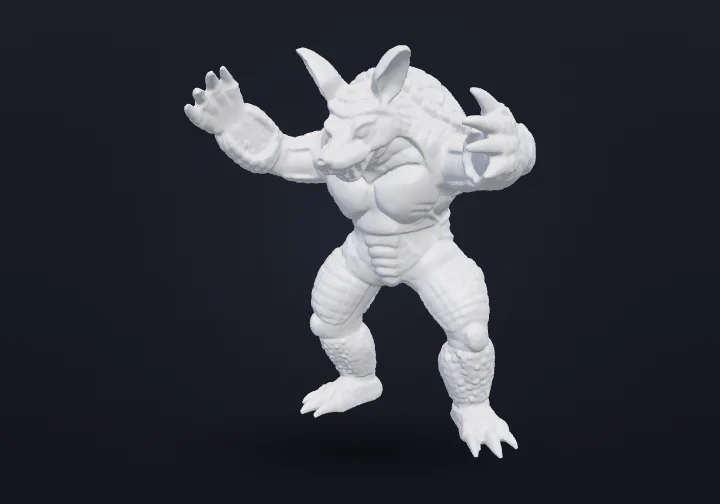
SnapSplit3D fixes non-manifold edges, open mesh seams, and inverted triangle faces locally in your browser using Watertight Auto-Heal (Fix Mesh / Repair mesh) at 0 Cloud Tokens. Supported STL, OBJ, and FBX files up to the 150 MB quick handoff limit stay on your device before exporting slicer-ready Binary STLs or ZIP archives.
tutorial 7 min read
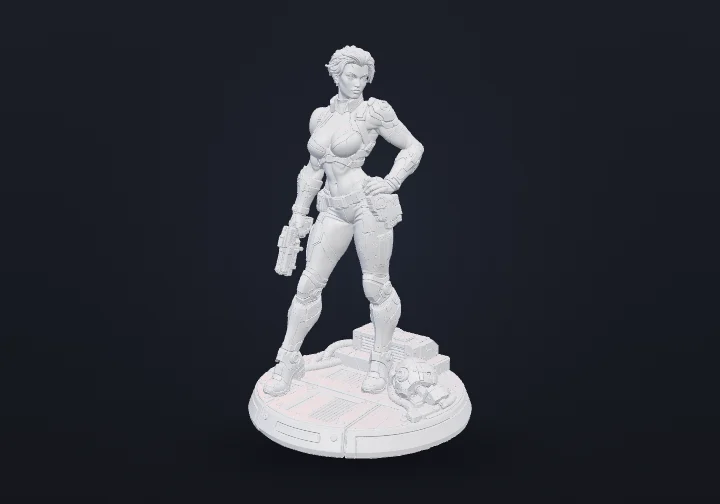
SnapSplit3D reduces STL, OBJ, and FBX polygon counts locally in your browser (0 Cloud Tokens) using Mesh Simplify presets at 50%, 25%, or 10% retention. Run Watertight Auto-Heal and orient your uncut base before simplifying or cutting so thin walls, sharp bevels, and connector clearances remain intact.
tutorial 7 min read
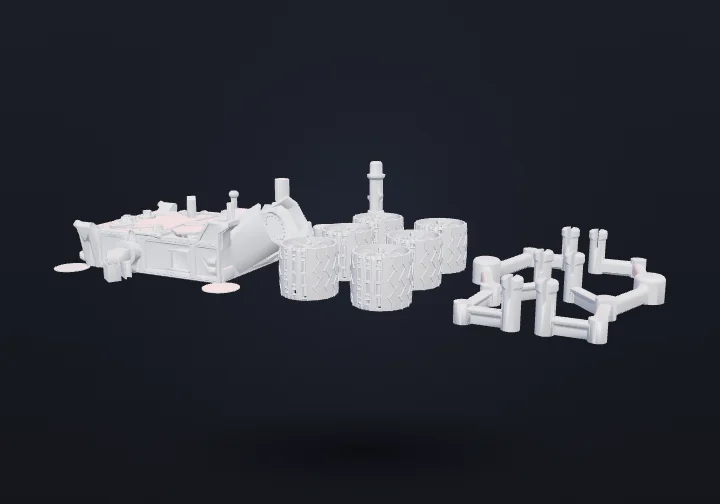
SnapSplit3D splits oversized tabletop terrain and scales 32 mm miniatures up to 75 mm busts directly in your browser using 3D Grid Split, Smart Auto-Split, and Plane Cut with Tapered Pegs or Magnet Pockets. Heal open edges and orient the uncut base first, then export labeled Binary STLs for 180 mm to 256 mm printers.
tip 7 min read
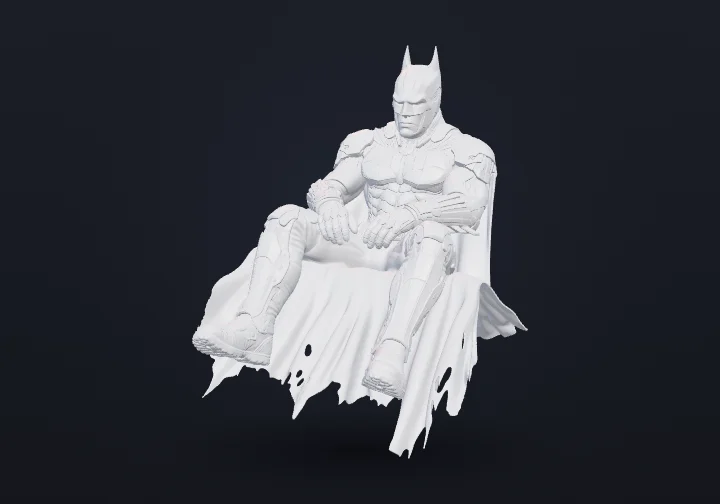
SnapSplit3D helps Etsy 3D print shops and multi-printer farms turn unsplit STL, OBJ, and FBX files up to 150 MB into labeled, watermark-free Binary STL ZIP kits in minutes. Pair local Watertight Auto-Heal, uncut Auto-Orient, and 3D Grid Split with Pro ($49/yr EB) or Lifetime Client ($79 one-time) commercial physical print rights.